Recipes
Recipes with an ingredient list, step-by-step preparation and spoken instructions.
What it does for you
The ingredients are at the top, the preparation below in separate steps. The app reads the steps out while your hands are busy — and waits where a step needs time.
Step by step
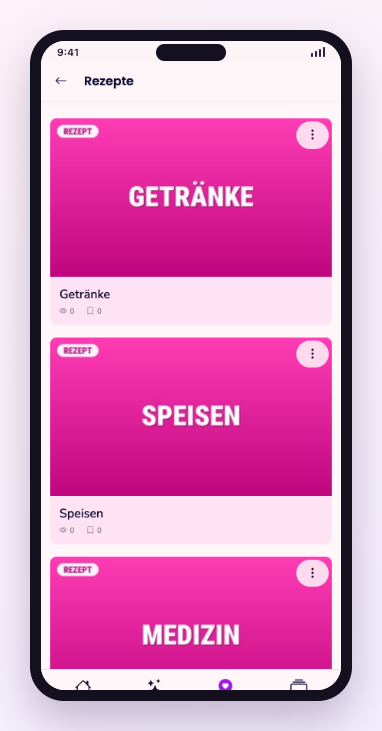
- Open Discover and choose Recipes.
- Check the ingredient list before you begin.
- Tap Start to have the preparation read out.
- Say next or tap to move to the following step.
Frequent questions
- Can the preparation be read out to me?
- Yes. Every recipe has narration that reads step by step and waits between the steps.
- Are the quantities for one person?
- The quantities are stated with each recipe and refer to the number of servings given there.
Still stuck? Report a problem