Premium and subscription
What is free to use, what premium includes and how to manage the subscription.
What it does for you
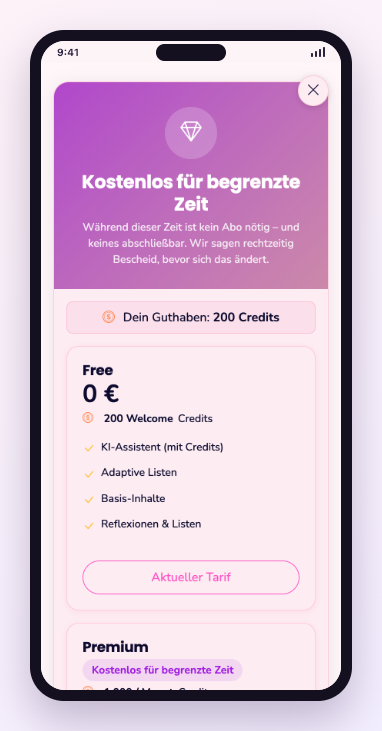
A large part of the content is usable without a subscription. Premium opens the full library and the functions that carry running costs — the assistant above all. Cancelling is possible at any time from the profile.
Step by step
- Open your profile and go to subscription.
- Compare the plans and what each includes.
- Subscribe, or manage an existing subscription.
- Cancelling happens in the same place; the term ends at the end of the period.
Frequent questions
- What does Harmony Guru cost?
- Current prices are shown in the subscription area of the app, before you commit — so that no figure quoted here can go stale.
- How do I cancel my subscription?
- In the profile under subscription. Cancellation takes effect at the end of the paid period, and the content stays usable until then.
Still stuck? Report a problem