Lists and collection
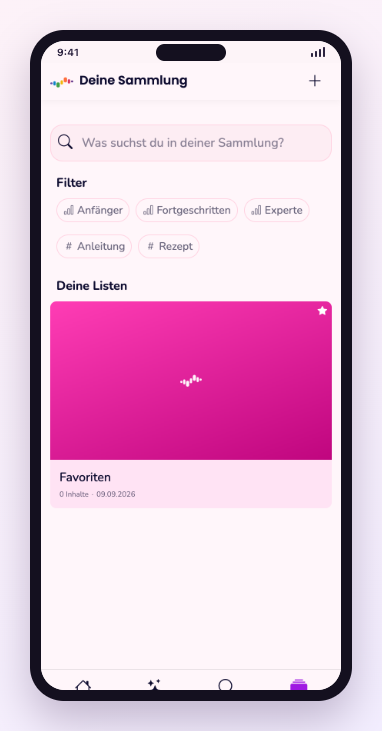
Save content and build your own lists that play through in one go.
What it does for you
A list turns single exercises into one unit: you set the order and play it through without searching in between. The collection is where everything you saved lives.
Step by step
- Tap the save icon on any content.
- Open Collection to see everything you saved.
- Create your own list there and drag content into it.
- Start the list — it runs through in your order.
Frequent questions
- Can I change the order of a list?
- Yes. Entries can be moved inside the list, and playback follows the new arrangement.
- Are my lists visible to others?
- No. Lists you create are private unless you explicitly share them.
Still stuck? Report a problem