Progress and sessions
What you did, what is coming up — and how that develops over the weeks.
What it does for you
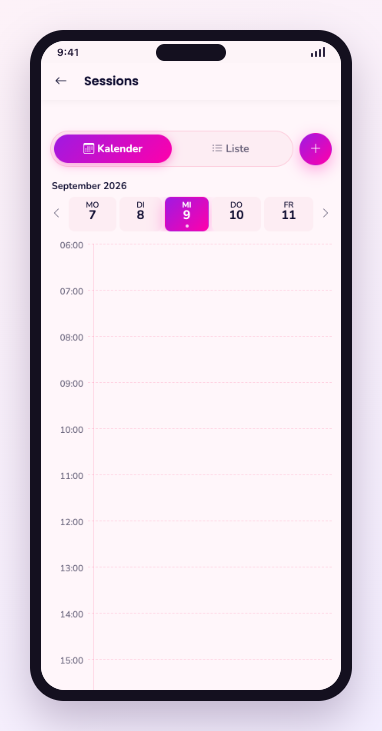
Progress answers the question that arrives after three weeks: is this doing anything? You see completed and planned sessions, your consistent days and the development per goal — as a trend, not as a score.
Step by step
- Open Progress from your profile.
- Look at the sessions you completed in recent weeks.
- Open a single session to read the feedback you gave at the time.
- Plan the next session straight from that view.
Frequent questions
- Does an abandoned session count?
- A session counts as done when you finish it. An abandoned one stays visible but is not counted as done.
- Can I delete my data?
- Yes. The account including its history can be deleted from the profile; the account help describes the path.
Still stuck? Report a problem